Copilots Everywhere, AI Assistants in IDEs, CRMs, and Office Suites
AI copilots are embedded everywhere—from GitHub to Salesforce to Microsoft 365. Explore their real-world impact on developer productivity, sales effectiveness, and knowledge work, plus the crucial design patterns that separate genuinely helpful assistants from disruptive ones: context awareness, timing, learning, and appropriate confidence calibration.
8/26/20243 min read
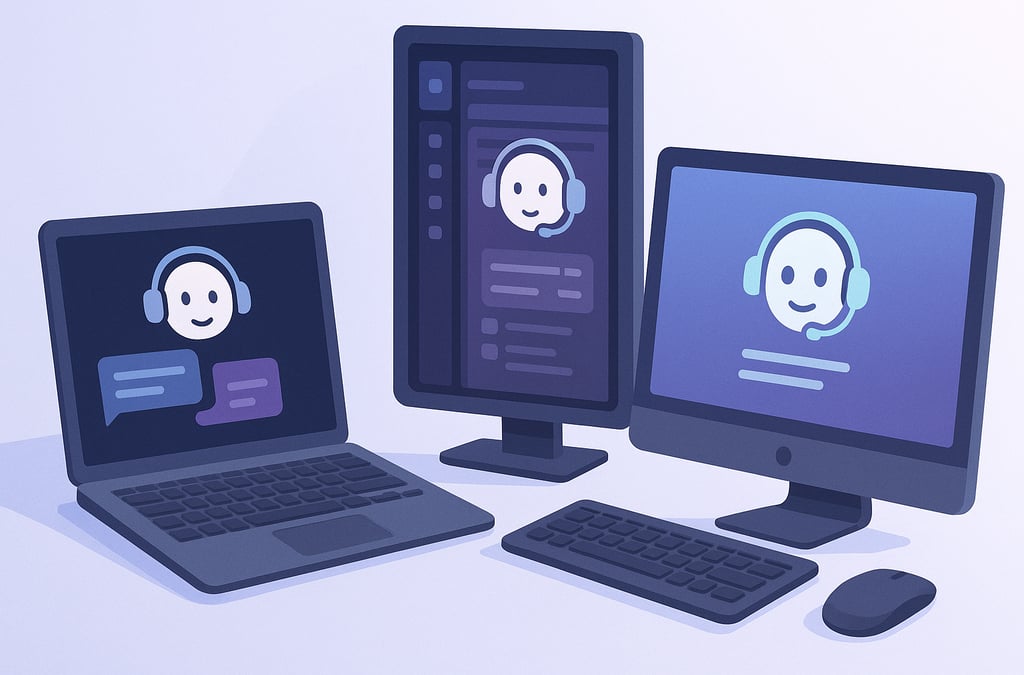
The copilot model—AI assistants embedded directly into the tools where work happens—has proliferated beyond GitHub's original vision. From code editors to customer relationship management platforms to office applications, AI assistants now sit alongside millions of knowledge workers, offering suggestions, automating tedious tasks, and fundamentally reshaping daily workflows.
Development Tools: The Original Frontier
GitHub Copilot established the template. Rather than context-switching to separate AI tools, developers receive code suggestions inline as they type. The impact extends beyond autocomplete—Copilot generates boilerplate, suggests test cases, and explains unfamiliar code. Developers report 30-55% faster task completion for routine coding work.
Competitors have flooded the market. Cursor, an AI-first code editor, offers conversational interaction alongside inline suggestions. Replit's Ghostwriter provides context-aware completions within its browser-based environment. JetBrains integrated AI assistants across its IDE suite. Amazon's CodeWhisperer targets enterprise developers with security scanning integrated into suggestions.
The productivity gains are real but nuanced. Junior developers accelerate significantly, learning patterns and conventions through AI suggestions. Senior developers benefit less from basic autocomplete but value AI for exploring unfamiliar languages or generating repetitive code. Code review remains essential—copilots occasionally suggest subtly broken or insecure code that passes superficial inspection.
CRM and Sales Tools: AI Meets Customer Interaction
Salesforce's Einstein GPT embeds generative AI throughout its platform. Sales representatives get AI-drafted emails customized to specific prospects, pulling context from CRM data, previous interactions, and account history. The time savings are substantial—tasks that took 20 minutes now take two.
HubSpot's AI assistant drafts marketing copy, suggests email subject lines, and generates content briefs based on campaign goals and audience data. Marketing teams report faster campaign execution, though human oversight remains critical for brand voice consistency.
The impact on sales metrics varies. Some teams report 20-30% improvements in outreach response rates when using AI-drafted personalized messages. Others find minimal impact, particularly when AI suggestions feel generic or miss contextual nuances. The difference often lies in how well the CRM data reflects genuine customer context.
Office Suites: Productivity's New Baseline
Microsoft 365 Copilot represents the most ambitious productivity integration. In Word, it drafts documents from prompts. In Excel, it analyzes data and generates formulas. In PowerPoint, it creates presentations from outlines. In Outlook, it summarizes email threads and drafts responses. In Teams, it captures meeting notes and action items.
Google's Duet AI offers parallel capabilities across Workspace. Document drafting, spreadsheet analysis, presentation generation, and email composition all gain AI assistance. The integration feels natural—AI suggestions appear contextually rather than requiring tool switches.
The productivity impact is uneven across use cases. Email summarization and meeting transcription deliver universal value—everyone appreciates reclaiming time from inbox management and note-taking. Document drafting proves valuable for overcoming blank-page paralysis but requires substantial editing for quality. Presentation generation excels at structure but struggles with compelling storytelling.
What Separates Good Copilots from Annoying Ones
Context awareness distinguishes effective assistants. GitHub Copilot succeeds partly because it analyzes entire codebases, suggesting completions consistent with existing patterns. Poor copilots ignore context, making suggestions that contradict project conventions or user preferences.
Timing and presentation matter enormously. Inline suggestions that appear as you type feel natural. Modal dialogs demanding attention disrupt flow. The best copilots surface quietly, accepting quick approval or silent dismissal. Intrusive copilots that interrupt work create resentment rather than adoption.
Learn from rejection. Sophisticated copilots track which suggestions users accept versus reject, adapting over time to individual preferences and patterns. Static systems that repeatedly suggest unwanted completions train users to ignore them entirely.
Confidence calibration prevents over-promising. When copilots are uncertain, they should suggest multiple options or acknowledge ambiguity. Confidently wrong suggestions erode trust faster than tentative correct ones. Salesforce's approach of marking AI-generated content with confidence indicators helps users calibrate their trust appropriately.
Organizational Impact
The proliferation of copilots is reshaping skill requirements. Junior employees gain capabilities previously requiring years of experience. Data analysis that required Excel expertise becomes accessible through natural language. Code that required programming fluency can be generated from descriptions.
This democratization creates opportunities and tensions. Experienced professionals sometimes feel threatened when copilots enable novices to produce similar outputs. Organizations must redefine roles—what does "senior analyst" mean when AI can perform many routine analyses?
Training and onboarding accelerate dramatically. New hires become productive faster when copilots guide them through unfamiliar tools and workflows. But dependency risks emerge—employees may struggle without AI assistance, particularly if copilots become crutches rather than teachers.
Design Principles for Builders
Organizations deploying or building copilot features should prioritize seamless integration over separate tools. AI works best when embedded in existing workflows rather than requiring context switches. Focus on high-frequency, tedious tasks where time savings multiply across the organization. And always maintain human agency—copilots should suggest and assist, never decide and execute without oversight.